
Race on your rig.
Everything else is automatic.
The Windows companion captures ACC, iRacing, and LMU sessions while you race. The Android app, available through Google Play closed testing, lets you pair your PC, review drafts, and share the sessions you choose.
On your sim rig
Install the Windows companion
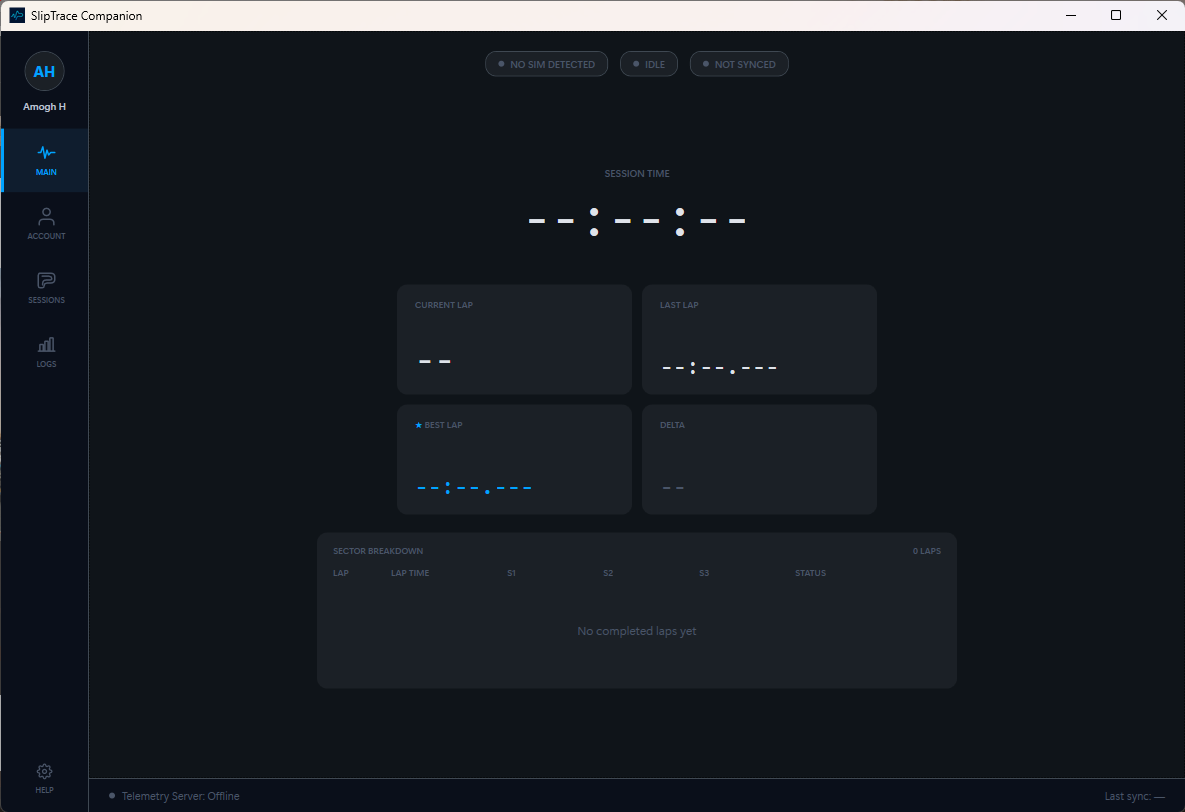
Create a free account and install the Windows companion on your sim rig. It captures your sessions locally while you race. To use Android, join the Google Play closed test through the steps on the download page, then install the app. The Windows companion is required for session capture.
One-time setup
Scan the QR code on your PC
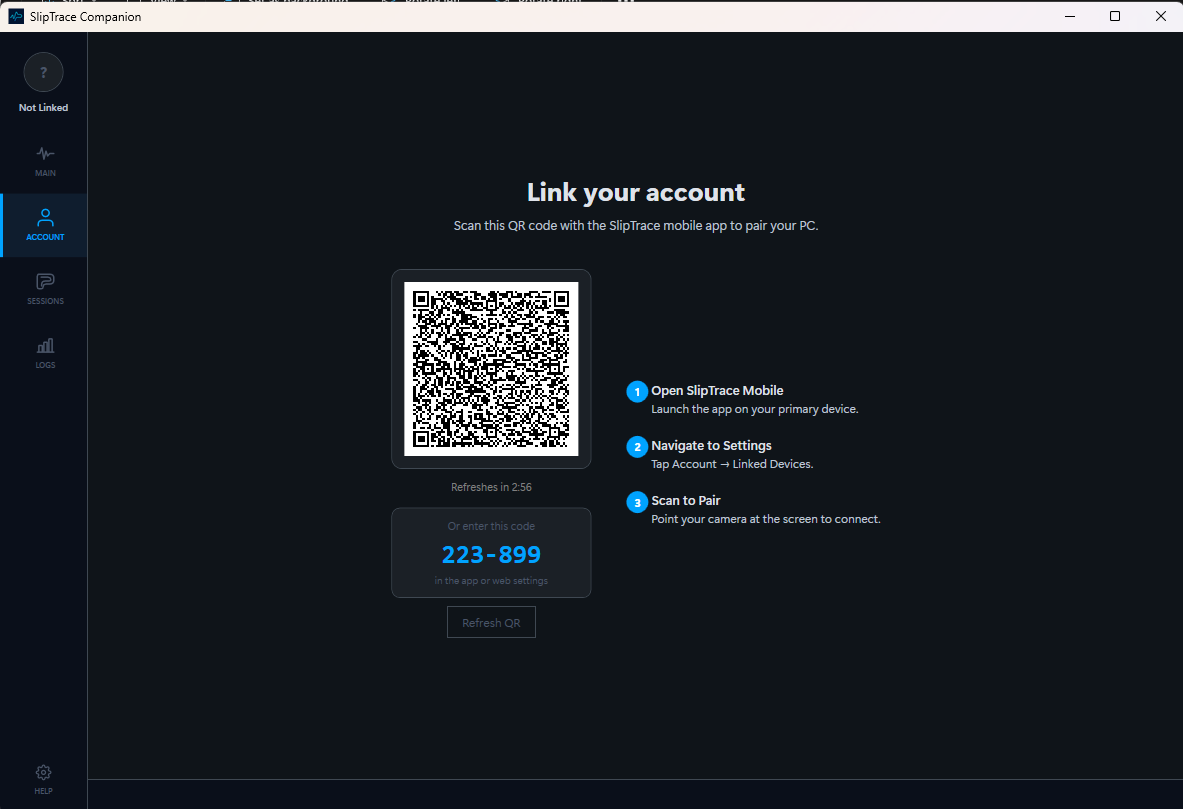
The Windows companion displays a QR code and six-digit pairing code. In the Android app, open Linked PCs, tap the scan button, and scan the QR code on your PC screen. If scanning is inconvenient, enter the six-digit code in the app or web settings. The PC stays linked until you unlink it.
Just race
The companion captures every lap automatically
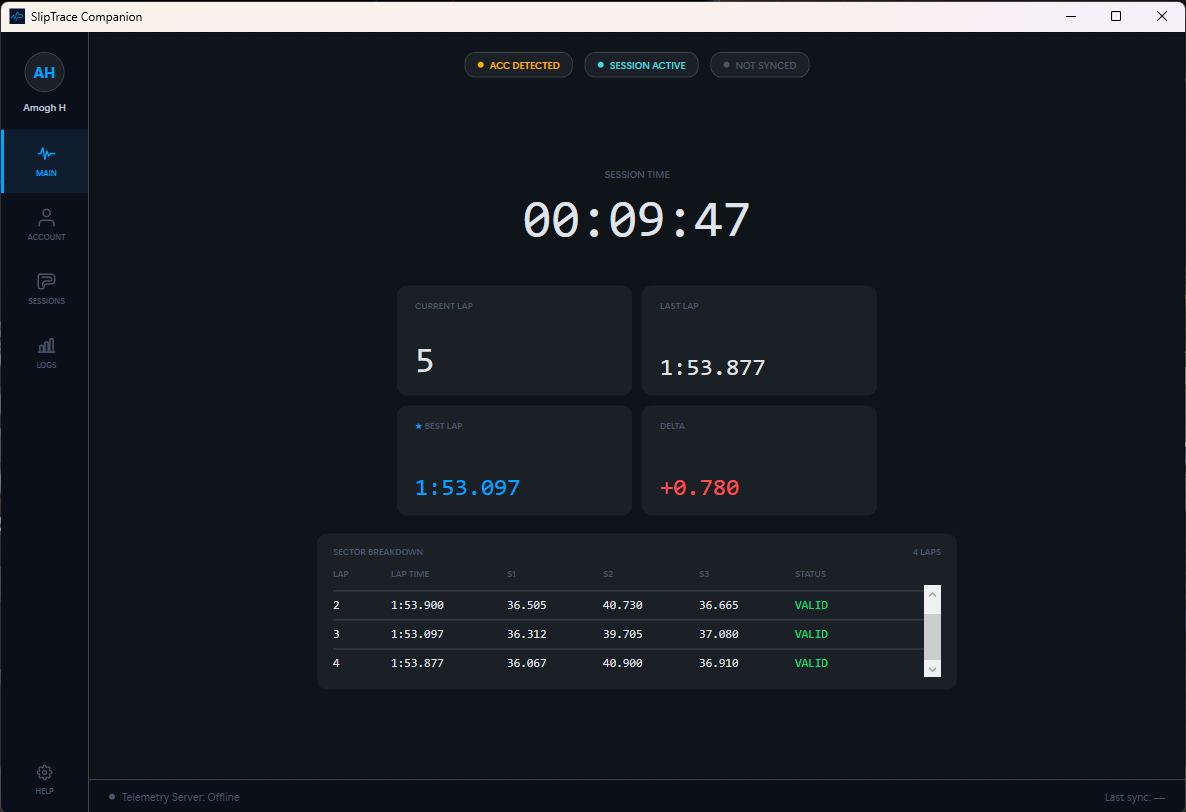
Race in Assetto Corsa Competizione, iRacing, or Le Mans Ultimate — all three are live. The companion reads live telemetry while you drive and records every lap, sector split, and personal best — locally first, so nothing interrupts your race.
No manual exports. No digging through replay files. No "forgot to hit record." If your PC is offline, sessions queue up and sync when connectivity returns.
On your phone
Review laps, sectors, and personal bests
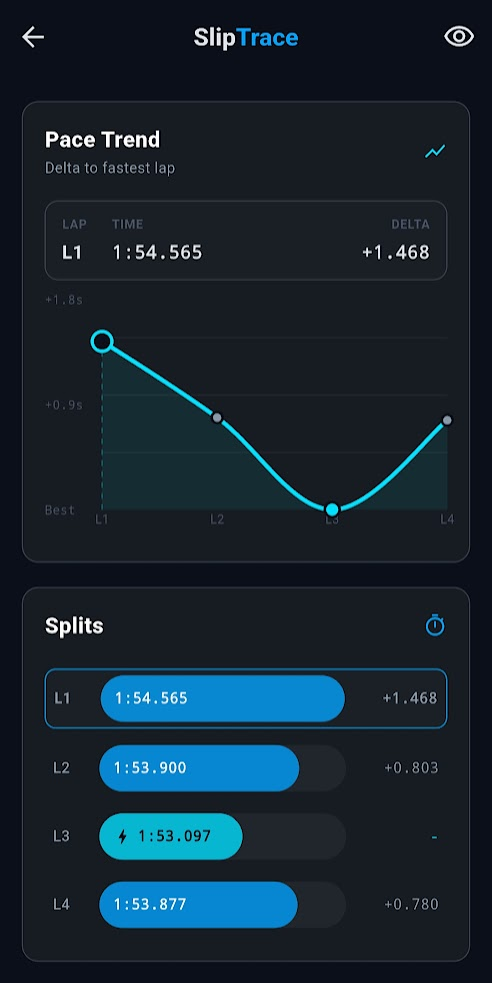
When your stint ends, the companion syncs a draft. Open the Android app to review its laps, sector splits, deltas, and track map. You decide whether that session belongs on your public profile.
Your portfolio
Build a driver profile worth sharing
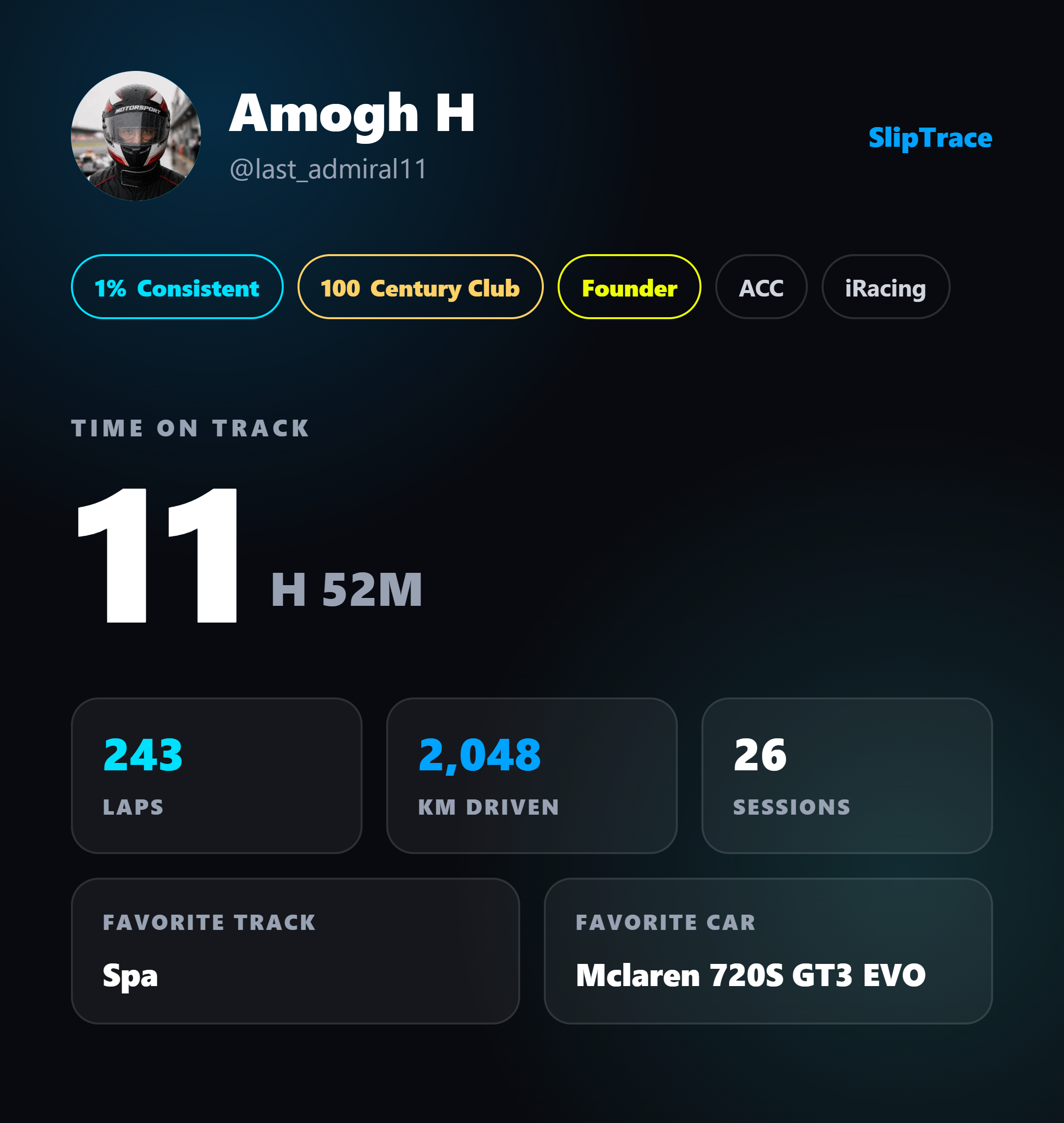
Publish the sessions you want to show on your driver profile and share them with other drivers. They can like, comment, and follow; drafts you don't publish stay off your public profile.
Under the hood
Built to stay out of your way
Local-first capture
Laps are recorded to local storage while you race. Nothing depends on your connection mid-session, and a crash never costs you a stint.
Syncs once, at session end
One upload when the session finishes — not a stream of writes while you drive. Offline sessions queue and sync when you reconnect.
No in-race overhead
The companion reads the sim’s shared telemetry output. It never injects into the game or touches your frame rate.
Your next session could be the first one in your portfolio
Free during early access. Install the companion, pair once, and go race.